

Preventive maintenance · Repairs and spare parts
Equipment & maintenance
Maintenance orders open themselves. Stopped machines light up.
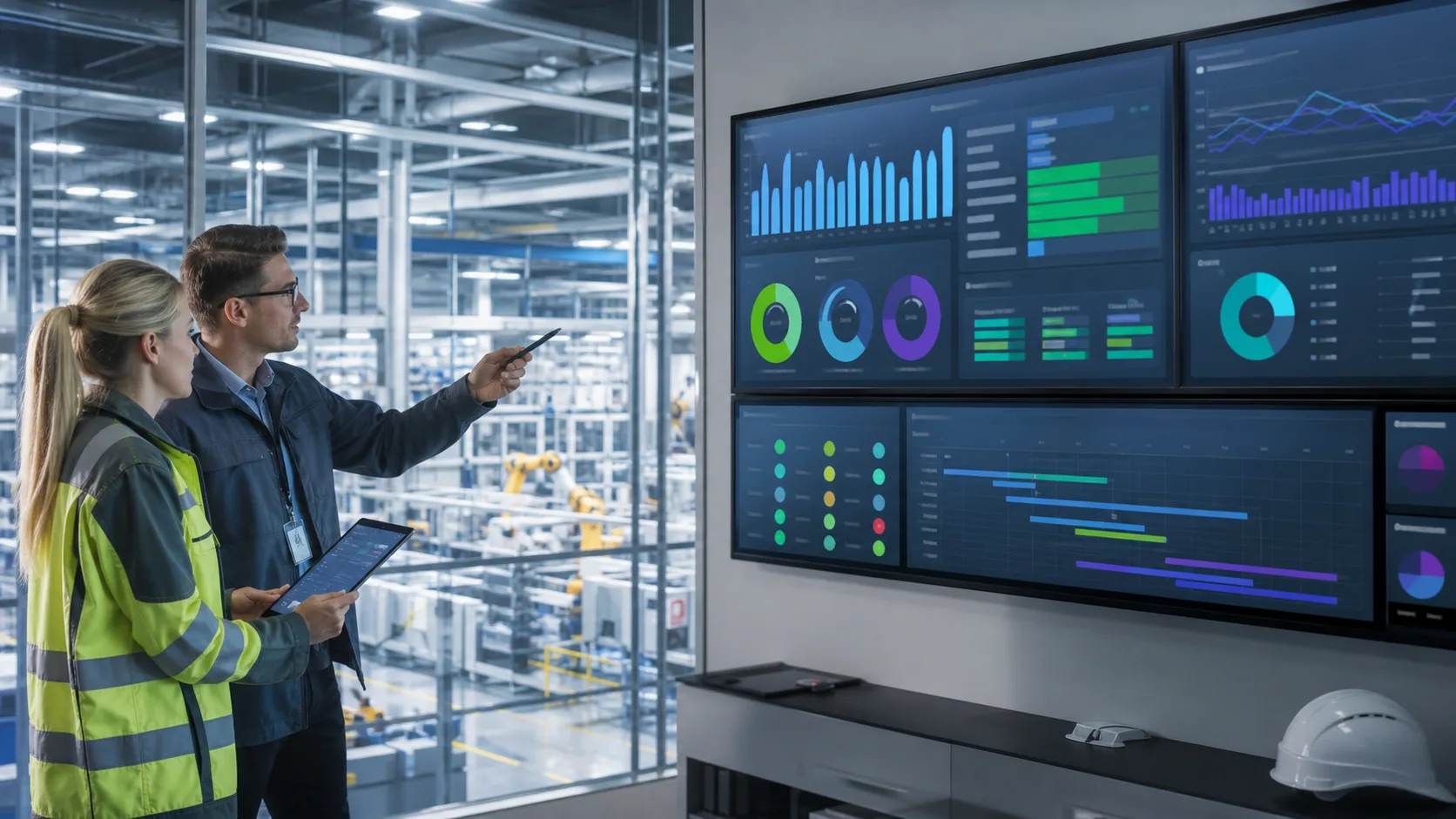
Cardo Maximus preventive maintenance is available now for factories of 30 to 300 people: a maintenance order opens when the plan comes due and the technician scans the asset tag to start; request, dispatch, repair record and spare-parts deduction run in one flow; connect machines through Equipment monitoring and a stopped machine lights up on the 3D plant map.

Where you are today
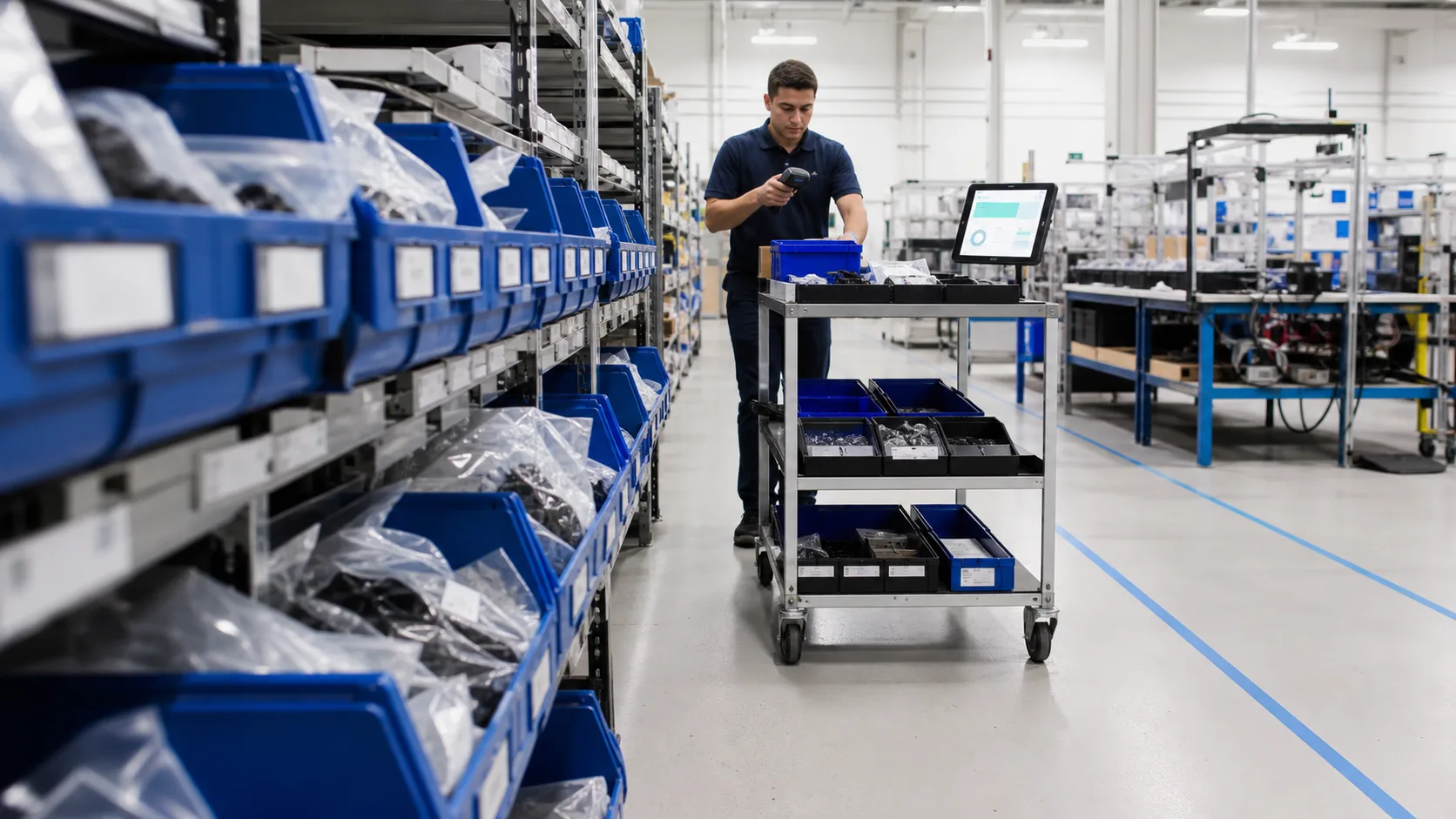
Maintenance orders open when due; scan and start
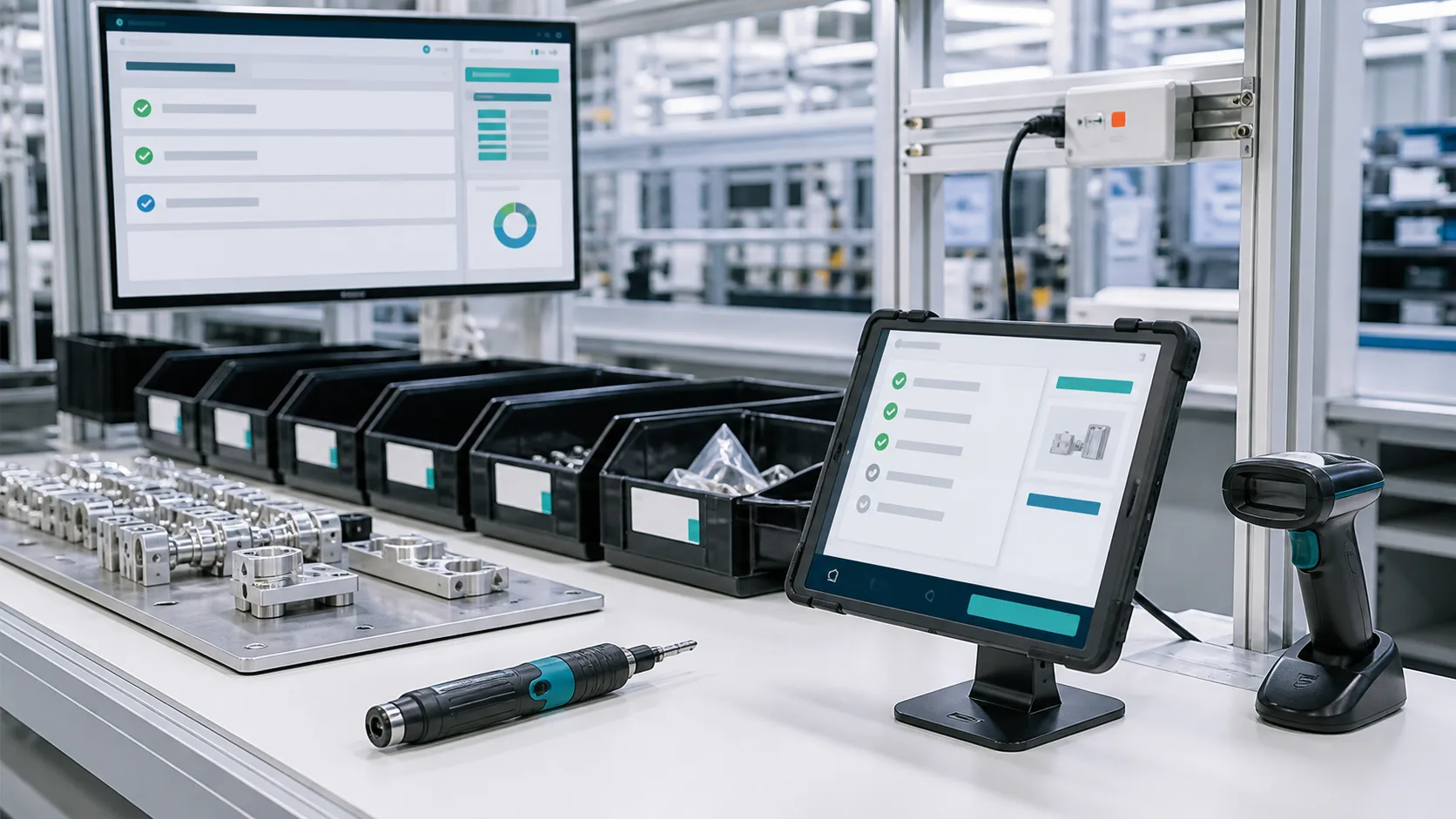
When a plan comes due, the system opens the order itself. The technician scans the tag on the machine, picks up the order and records each step; no spreadsheet, no card.
- Asset and fixture register
- Maintenance orders open automatically when due
- Scan the tag and record step by step on a phone
- Records kept even when the network drops Status:Coming Q1 2027
Legend:Available nowComing Q1 2027Coming later

Request, dispatch, repair, and the parts deduct themselves
Someone on the floor reports a fault; dispatch through close-out runs in one flow, and the parts used come off stock when the order closes. While the machine is down, the schedule routes around it and puts it back once it's fixed.
- Request to close-out in one flow
- Spare parts deducted at close-out
- Schedule routes around machines under repair
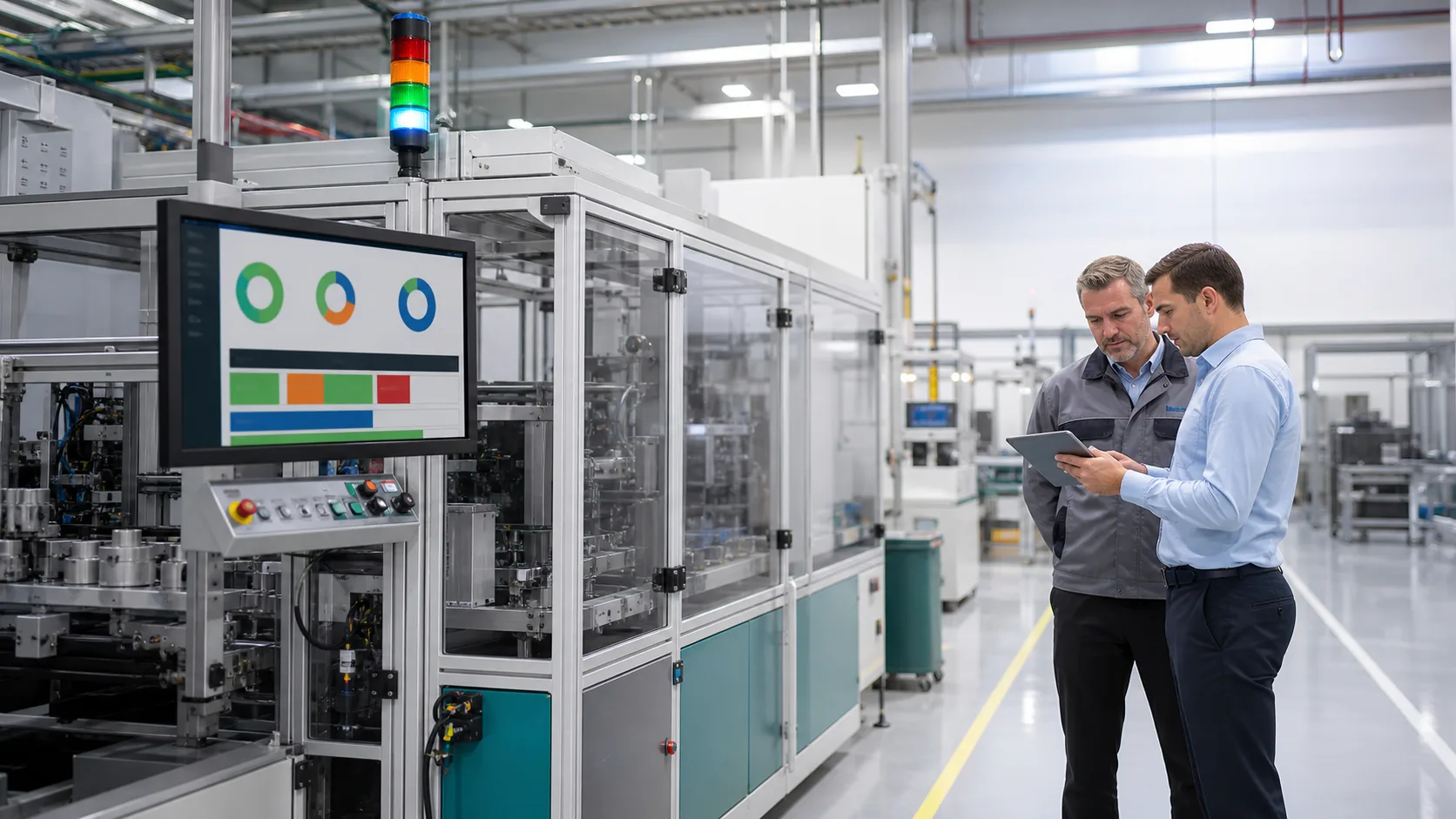
Machine status comes in on its own
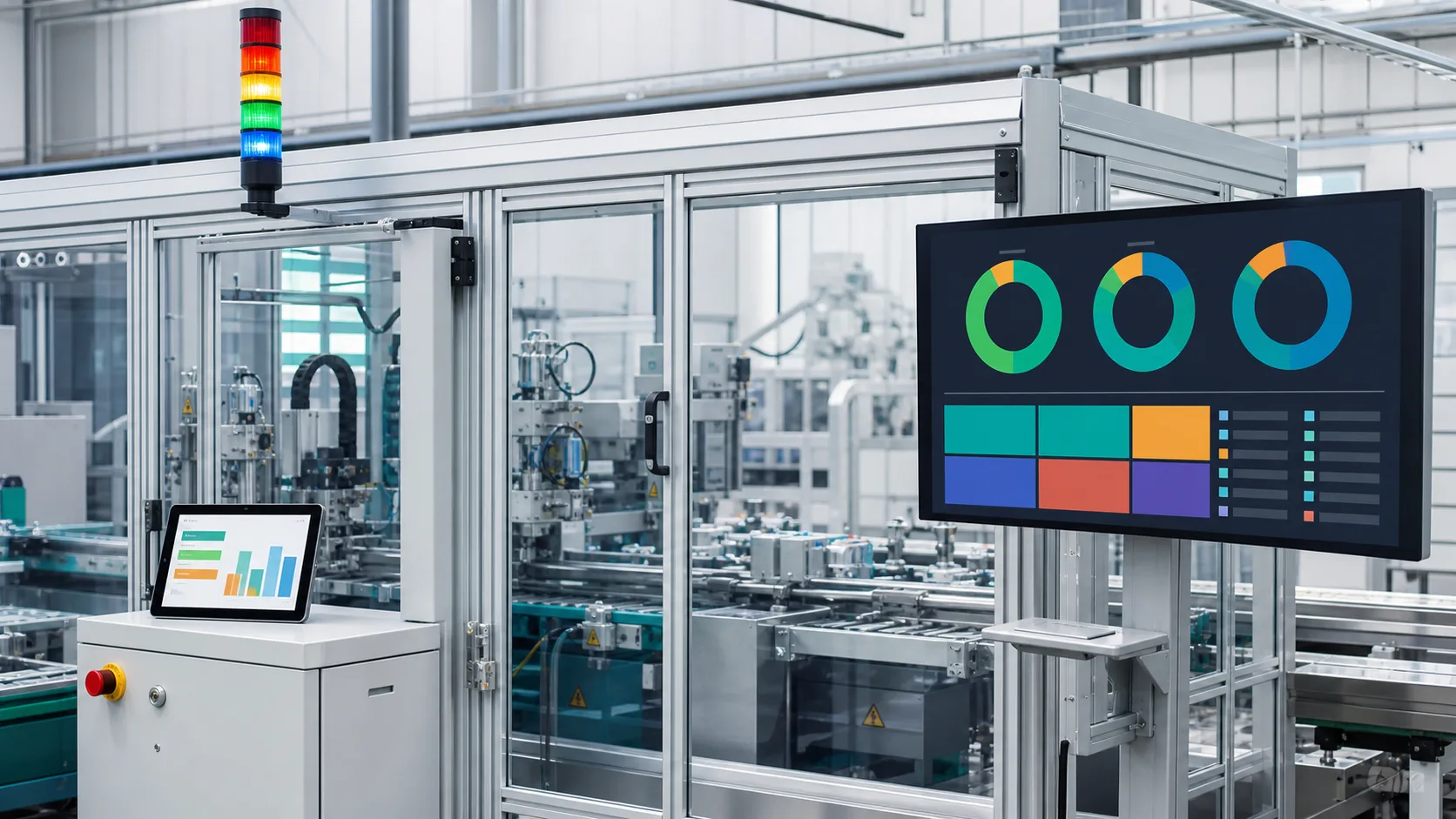
Connect machines through Equipment monitoring and status, good and defective counts and run hours come in with no manual logging; alarms can be acknowledged, put on hold and reviewed later. Connection options and monitoring screens are on the Equipment monitoring page.
- Machine status and run hours come in automatically
- Data held during an outage and sent once the link is back Status:Coming later
- Shop-floor andon board Status:Coming later
- Overall equipment effectiveness dashboard Status:Coming Q1 2027

A machine fault lights up on the 3D plant map
Which machine has stopped and where it sits in the plant, on one picture; click through to that station's live panel.
- Machine faults light up on the plant map
- Click through to the station panel

- Which machines are due for maintenance?







FAQ
-
Our machines are old and can't be connected.
You don't need to connect them. Maintenance, repairs and checks are done by scanning the asset tag with a tablet or phone, and the data goes straight in.
-
Do all machines have to be connected?
No. Connect the few most critical machines through Equipment monitoring; the rest still get maintenance and repairs by scanning a tag with a phone.
-
Do we manage spare parts separately?
No. When a maintenance order closes, the parts used are deducted from stock automatically.
-
Do we need to buy a separate SCADA for machine connectivity?
No. Machine connectivity is in Equipment monitoring: live values, alarms, trends, daily and monthly reports and monitoring screens are all in the same system, and machine status and good counts feed straight into production and quality data.
Turn your potential into tomorrow's edge.
The first step is small: tell us how you run things today. We map it for free and tell you where to start. No pitch for the whole system.
After go-live: maintenance orders open themselves, and when a machine stops the manager knows first. Start with maintenance alone; add production or inventory later.
Book a free assessment