

Inventory management · Scan to receive and issue
Warehouse & materials
Where is it, and is there enough? One scan tells you
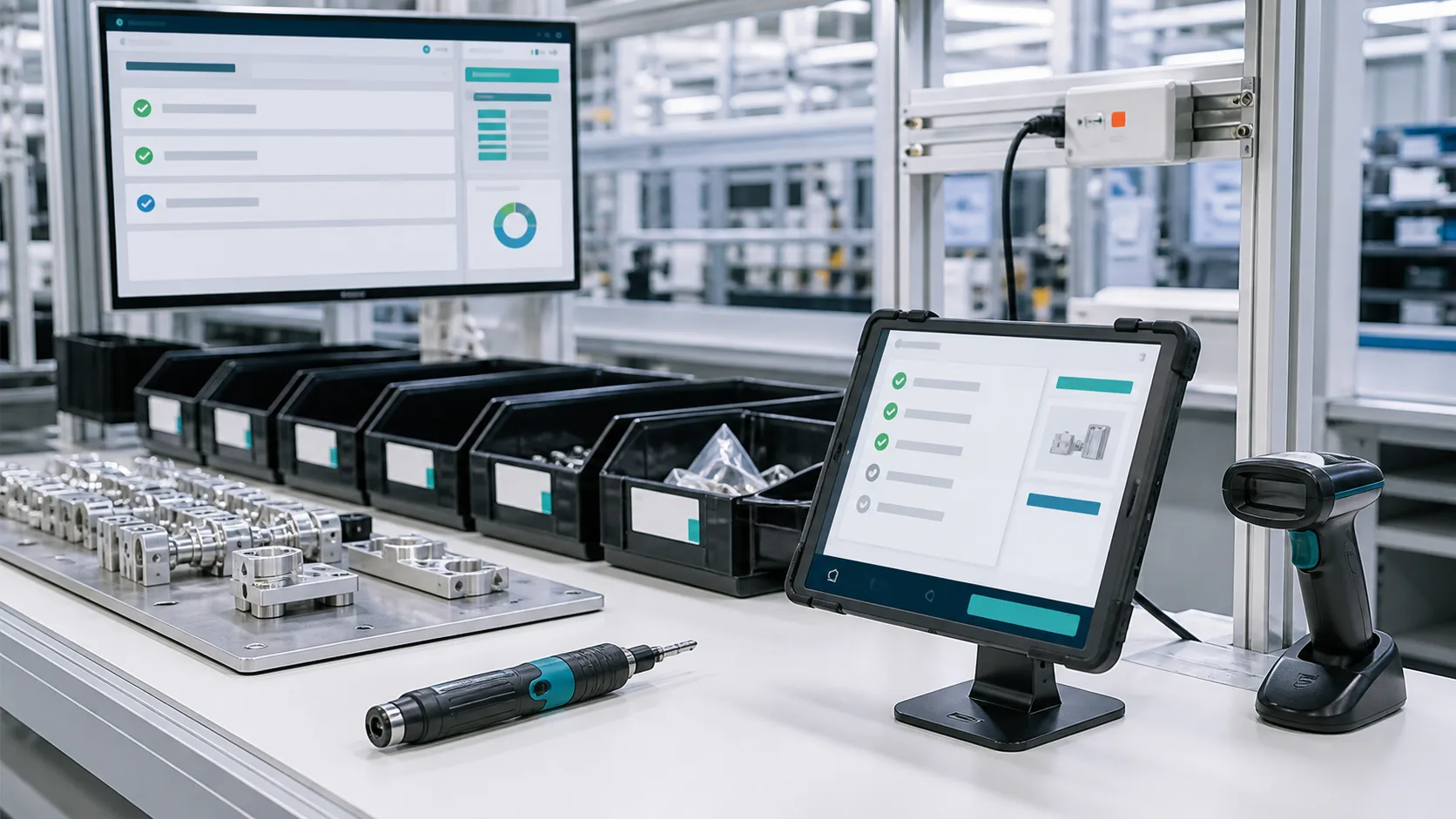
Cardo Maximus inventory management is available now for factories of 30 to 300 people: receive and issue by scanning; transfers, counts and expiry dates in the system. Stock is always current, expiring material flags itself, and a lot traces from raw material to the customer who received it.
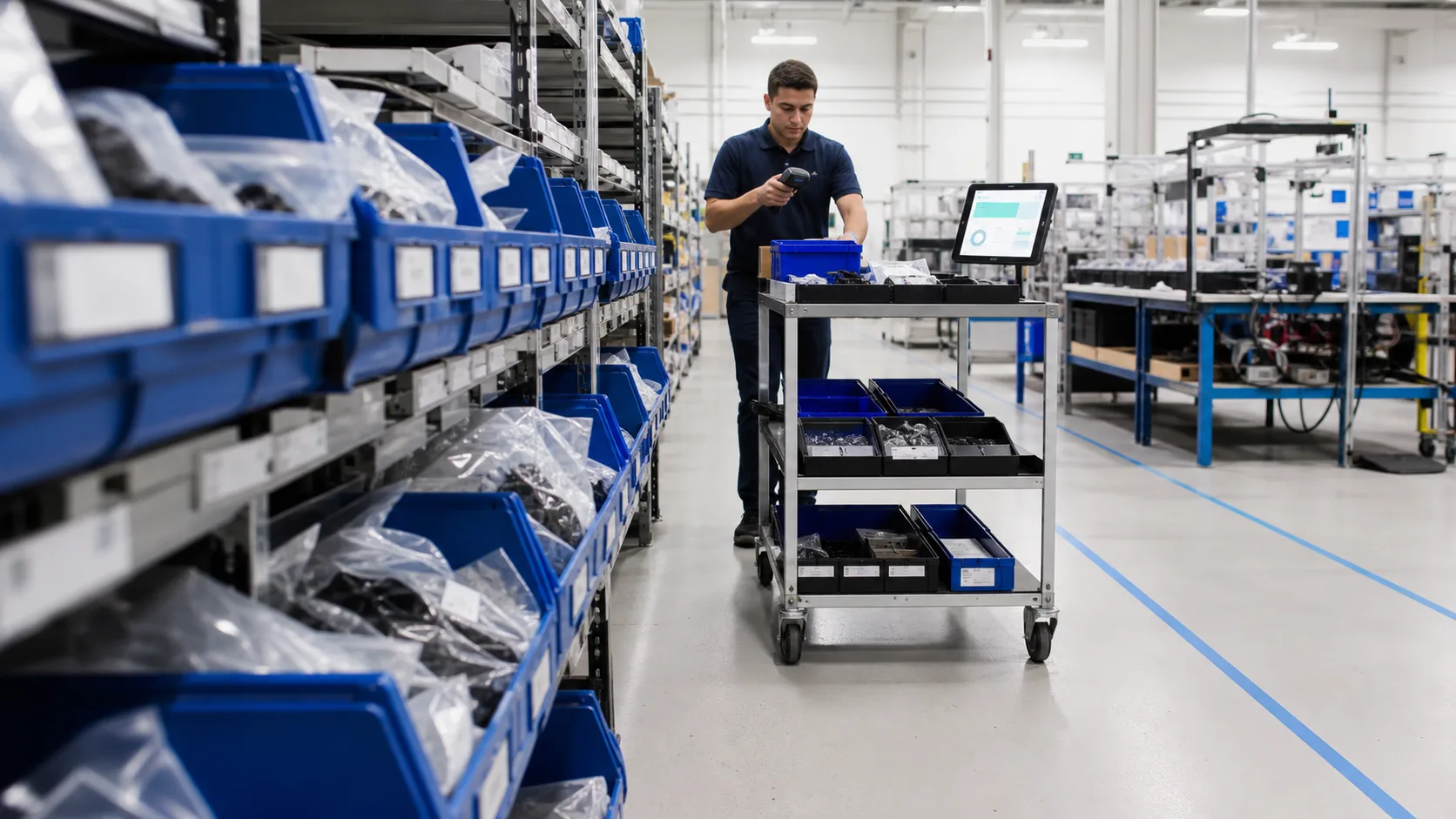
Where you are today
Scan to receive and issue; count one area at a time
Goods arrive, one scan receives them; one scan issues them and the books update. A count covers only the area being counted, everything else keeps moving, and variances post after review. New hires follow the screen.
- Receiving and issuing by scan
- Counts cover only the area being counted
- Receive and look up lots on a phone

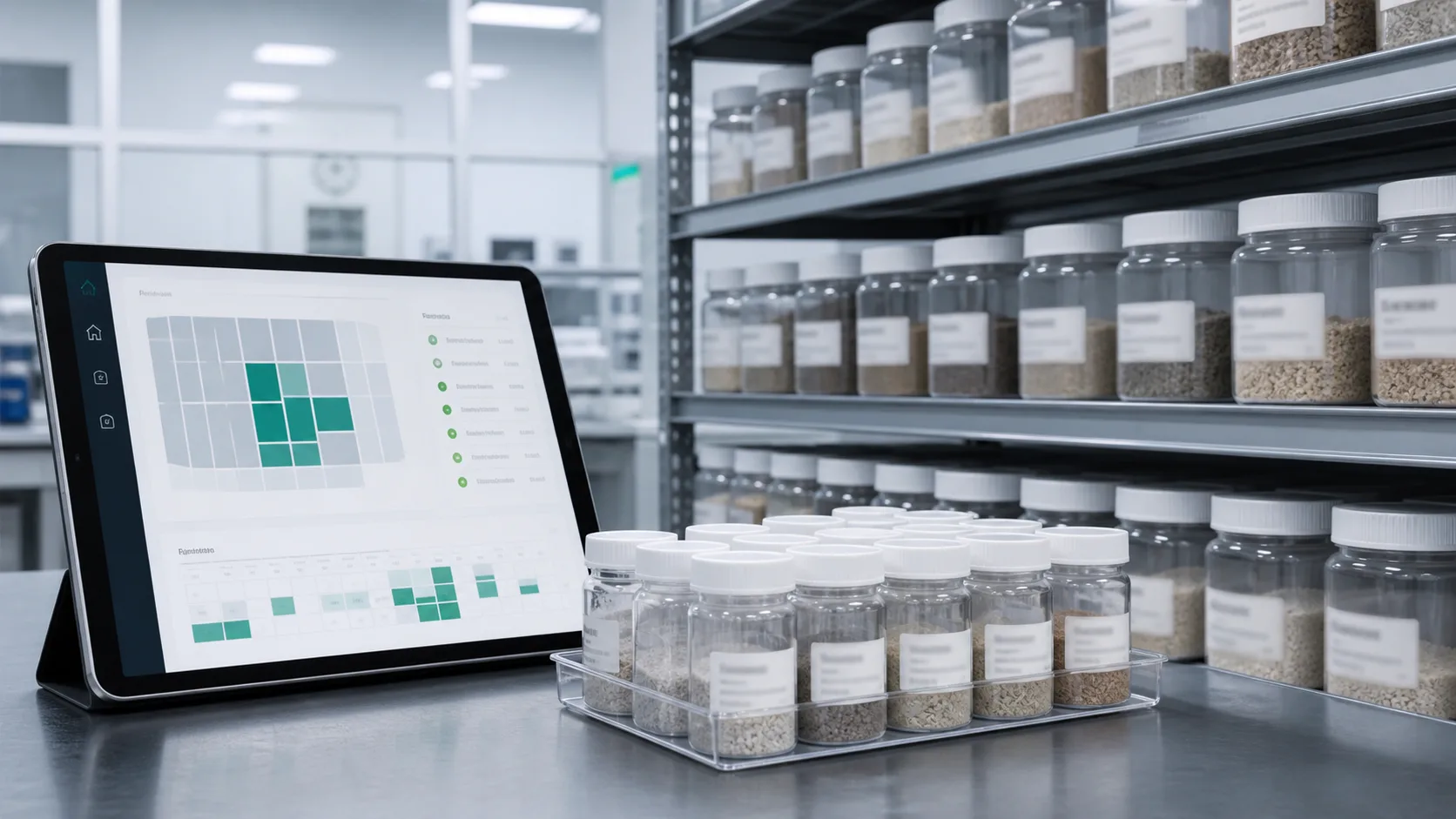
Stock that's always current, with expiry alerts
Every movement posts the moment it happens. Expiring material is flagged ahead of time, and availability is checked before an order starts, so the shortage never reaches the line.
- Current stock lookup
- Lot and serial number management
- Automatic alerts before expiry
- Material availability check before an order starts
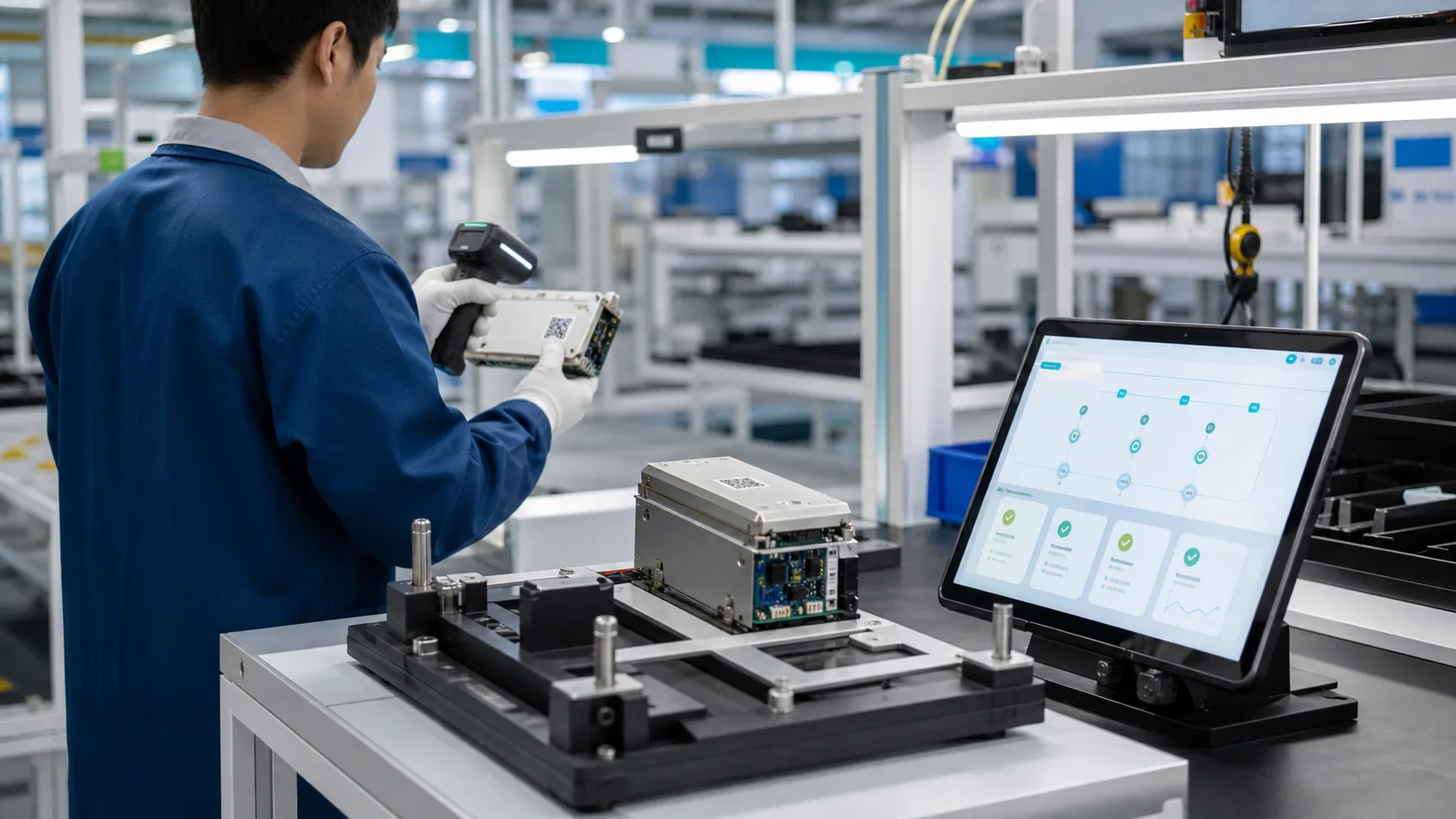
Kitting and issuing without mix-ups
A scan confirms item and lot at issue, so nobody has to read part numbers by eye. Which production order drew which lot is on record afterward.
- Scan to confirm item and lot at issue
- Weighing and dispensing guards Status:Coming later
- Cancel a wrong issue without throwing the books off, and no two people issuing the same lot Status:Coming later
Legend:Available nowComing later
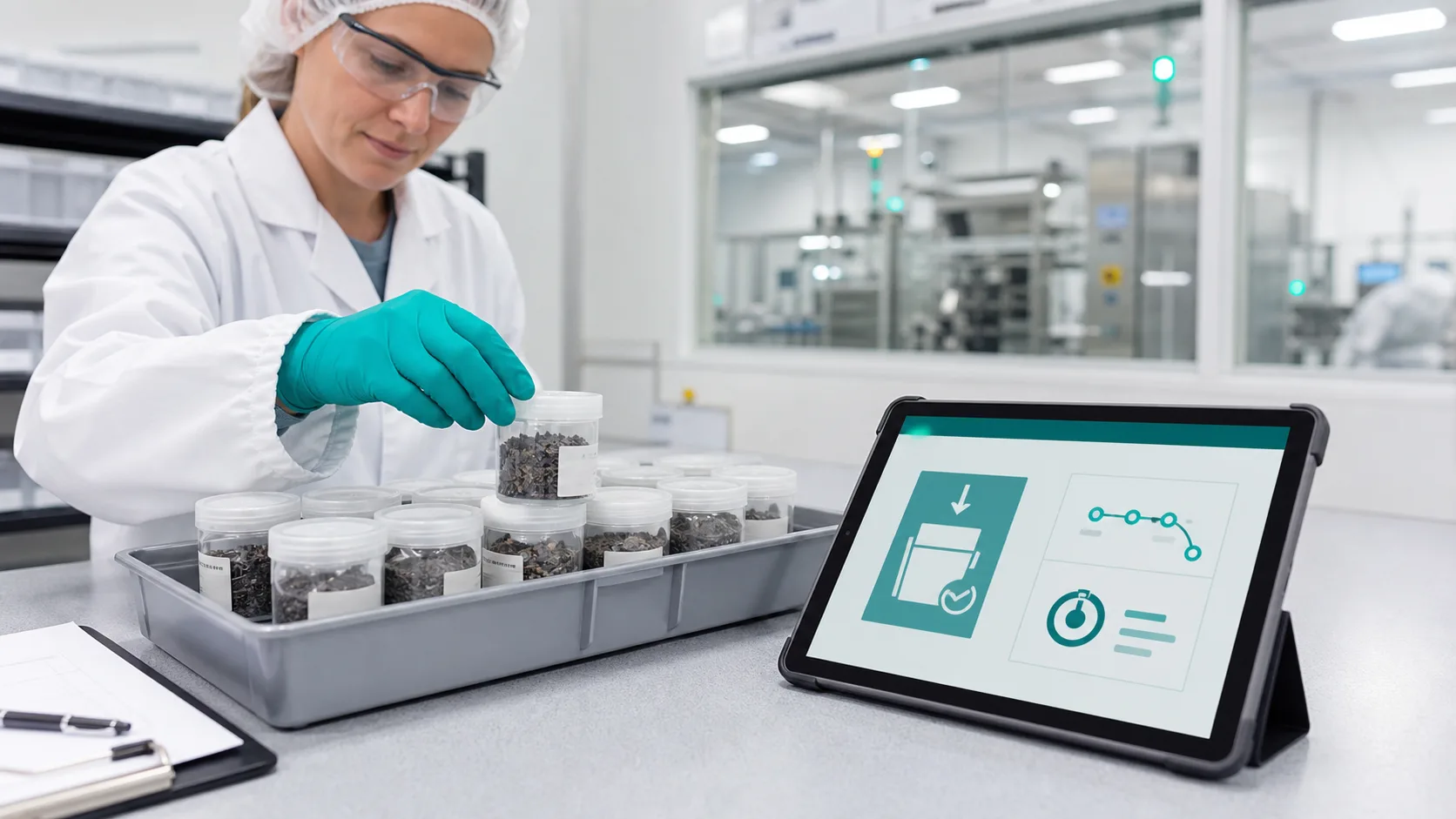
- Which materials may run short?









FAQ
-
We manage stock in spreadsheets or basic inventory software and our part numbers are a mess. Can we import them?
Yes. During rollout we help you clean up items and master data, then import and go live.
-
Can it sync with our ERP's inventory?
Yes. Orders and books stay in your ERP; receiving, issuing and counts happen here, connected through imports, exports and data links. Want one system? Orders, purchasing and accounting arrive in Q1 2027.
-
Our warehouse staff turn over fast.
They follow the screen. Receiving and issuing are scan-and-go, so new hires pick it up quickly; main screens and messages come in Traditional Chinese, English, Thai, Vietnamese and Indonesian, and announcements show in each person's language.
-
Is this a WMS?
It covers the inventory side: receiving, putaway, issuing, transfers, counts, expiry, lot numbers and labels are all there, and a lot traces from raw material to the customer who received it. Pick-path optimization and directed putaway for large distribution centers aren't something we do.
Turn your potential into tomorrow's edge.
The first step is small: tell us how you run things today. We map it for free and tell you where to start. No pitch for the whole system.
After go-live: one scan says where it is and whether there's enough; expired material never reaches the line. Start with inventory alone; add production or purchasing later.
Book a free assessment