

Production management · Scheduling and shop-floor reporting
Production
Order status without asking three people
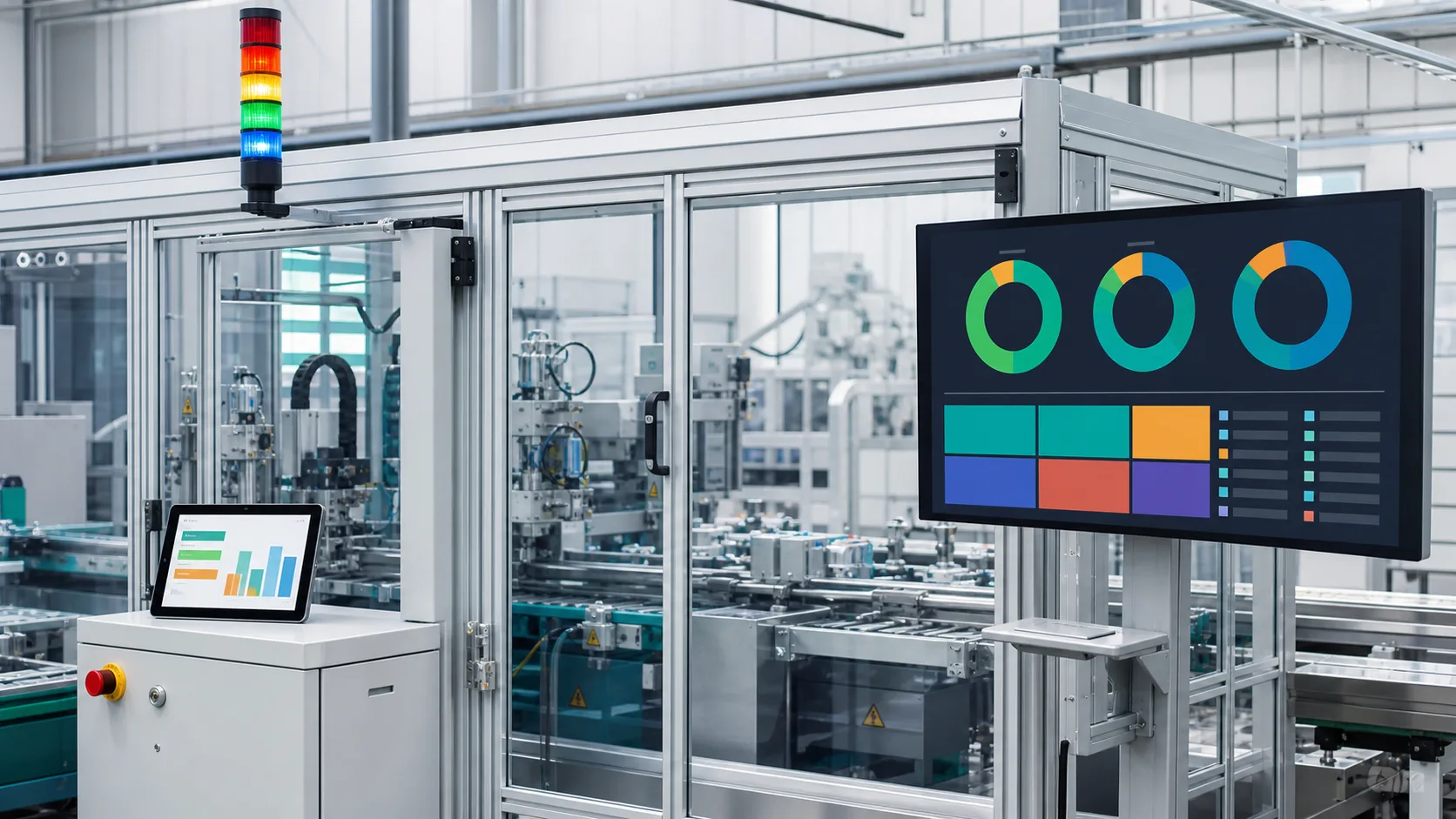
Cardo Maximus manufacturing operations management is available now for factories of 30 to 300 people: production orders, scheduling and shop-floor reporting on one screen. Drag to reschedule, tap a tablet to report, and nobody asks three people where an order stands; the owner opens one screen and sees where every order is.

Where you are today
Drop in a rush order; the schedule recalculates
A rush order lands at 3 p.m. Drag it where it belongs and the sequence and completion dates recalculate on their own. Which orders aren't scheduled and how loaded each line is: you see it the moment you open the screen.
- Unscheduled orders and line load at a glance
- Drag to resequence and completion dates recalculate
- Material availability check before an order starts

Shop-floor reporting on one screen
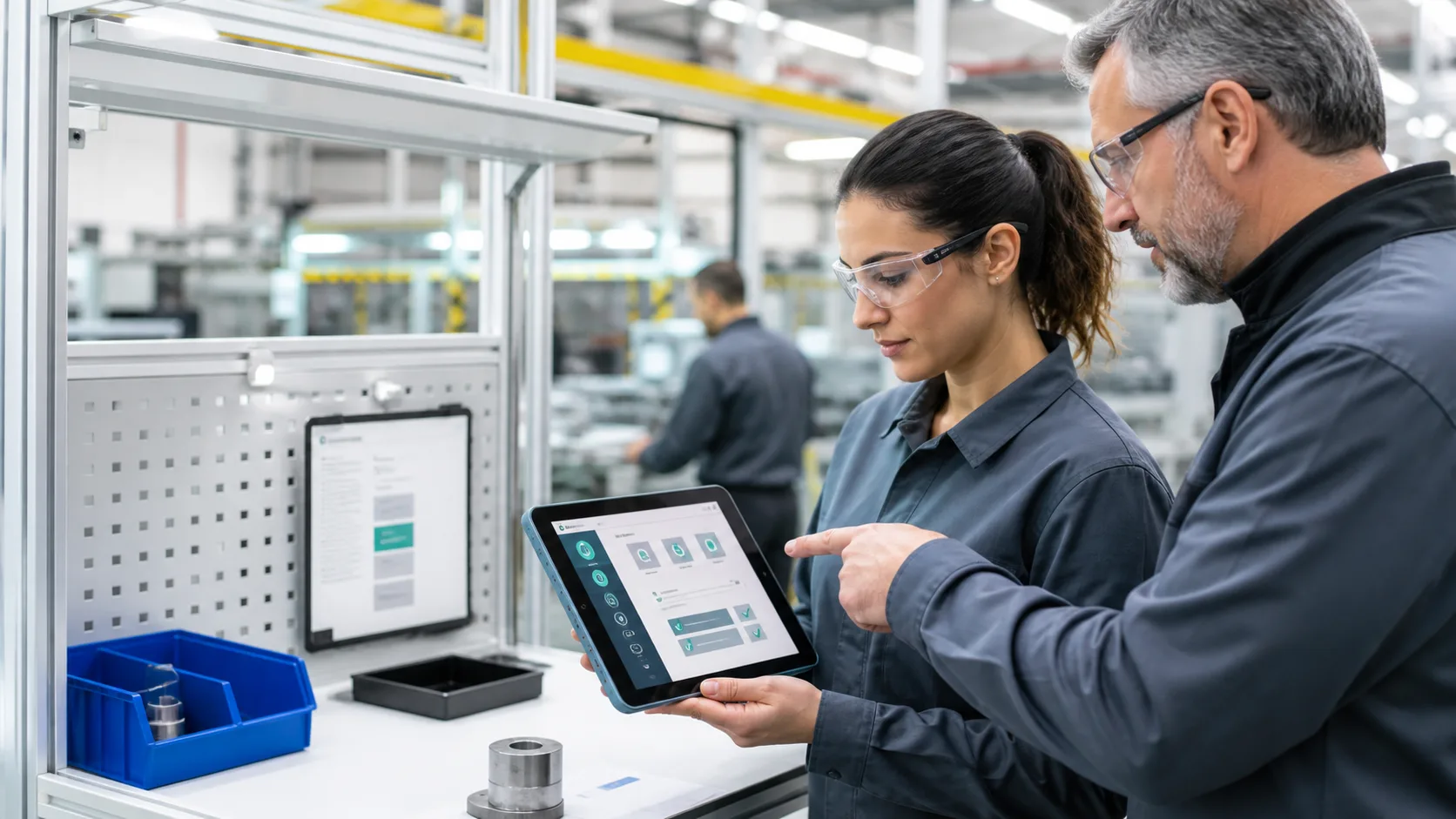
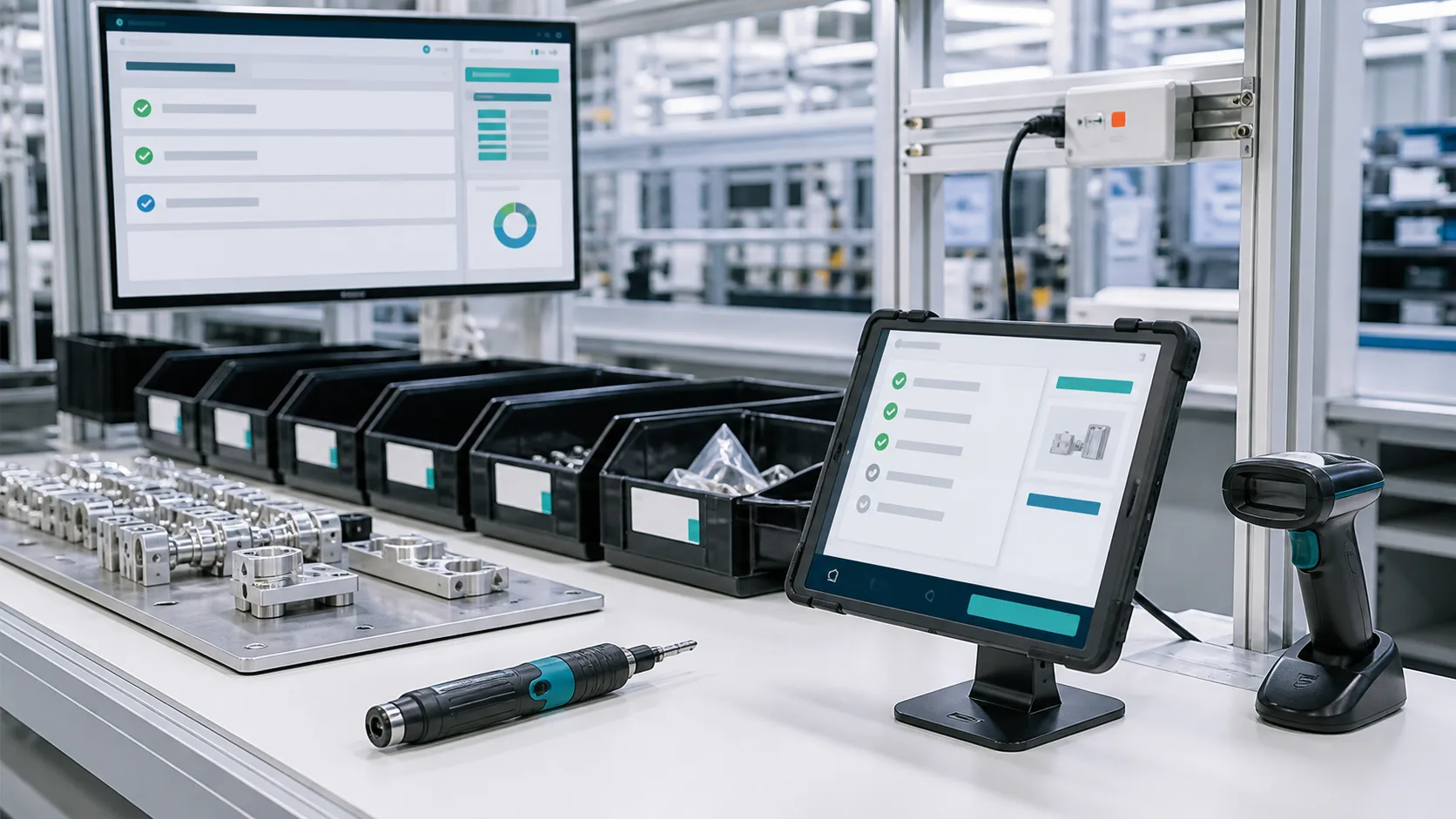
On a tablet, the operator taps start, material issue, good and defective counts, and finish; supervisor sign-off makes it count. Void a mistaken report and the numbers reverse themselves, so there's nothing to reconcile at month-end.
- Supervisor sign-off makes it count
- Void a mistaken report and the numbers reverse automatically
- Standards locked once a production order is released, so revisions don't touch released orders Status:Coming later
Legend:Available nowComing Q1 2027Coming later
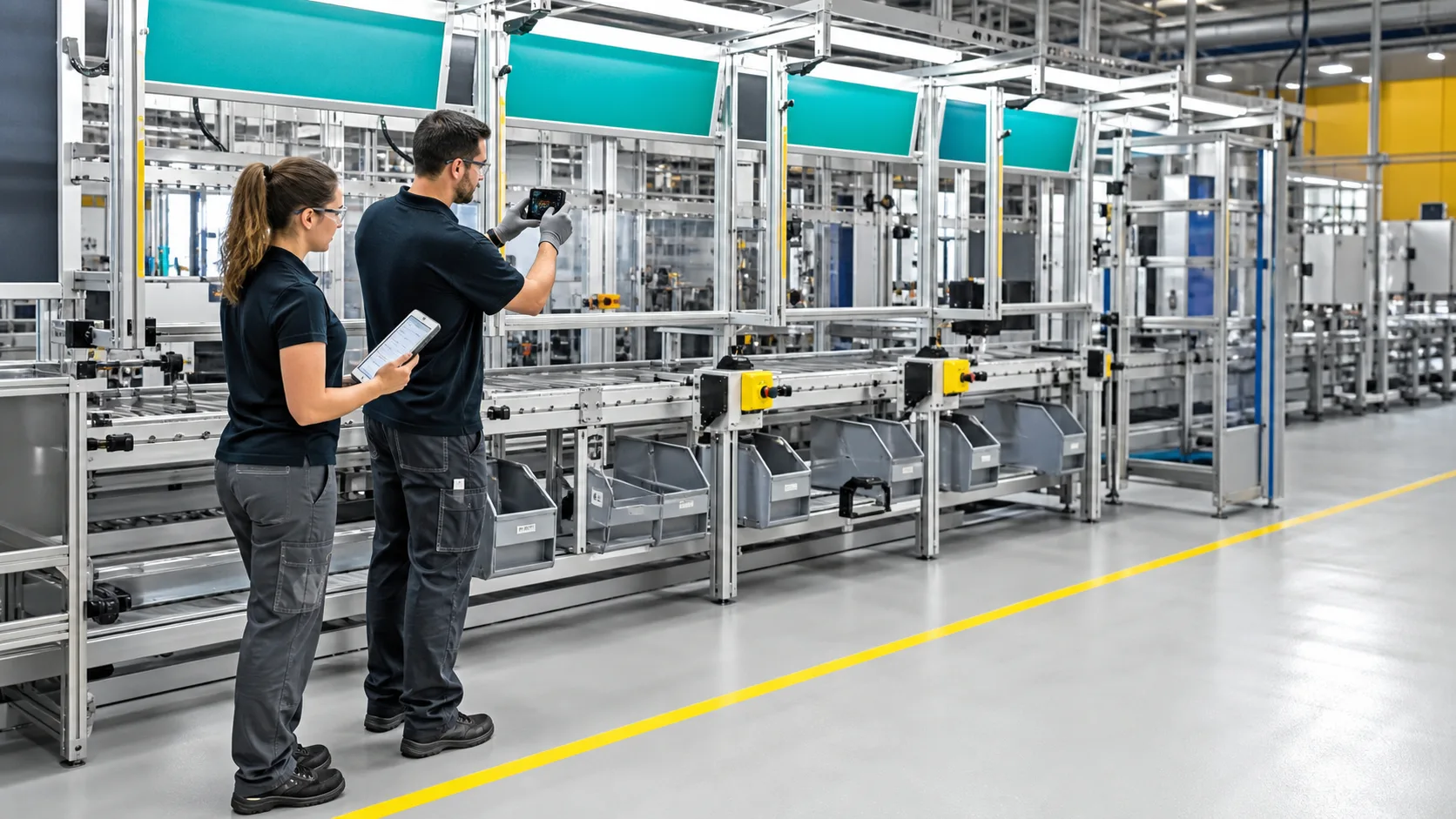
Managers see the whole plant; the floor sees its own work
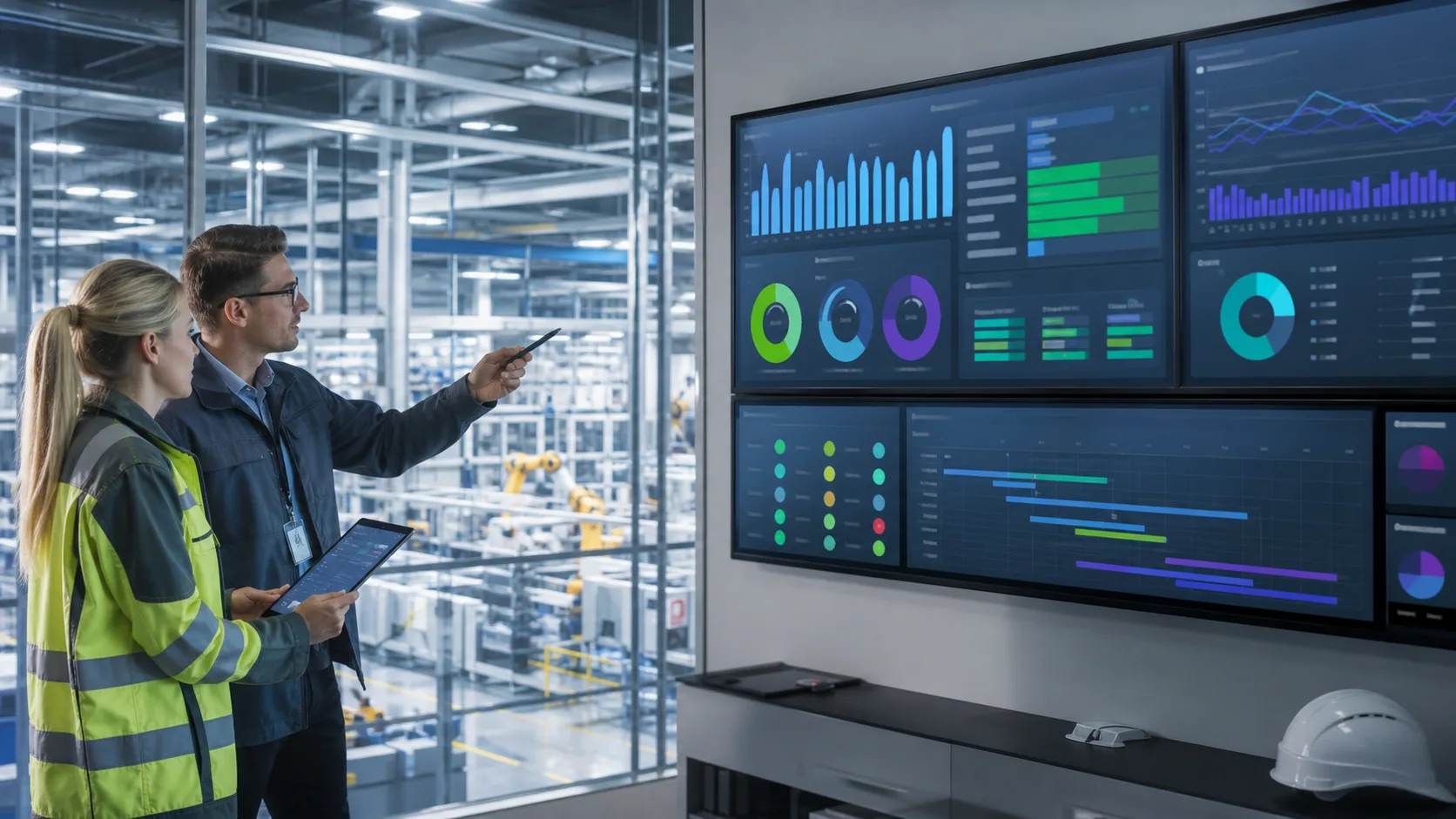
Operators open the dispatch board and know which orders are theirs today; managers open the labor-hours board and see where the hours went.
- Dispatch board and labor-hours board
- Overall equipment effectiveness and management dashboards Status:Coming Q1 2027
- Material requirements and capacity planning Status:Coming Q1 2027
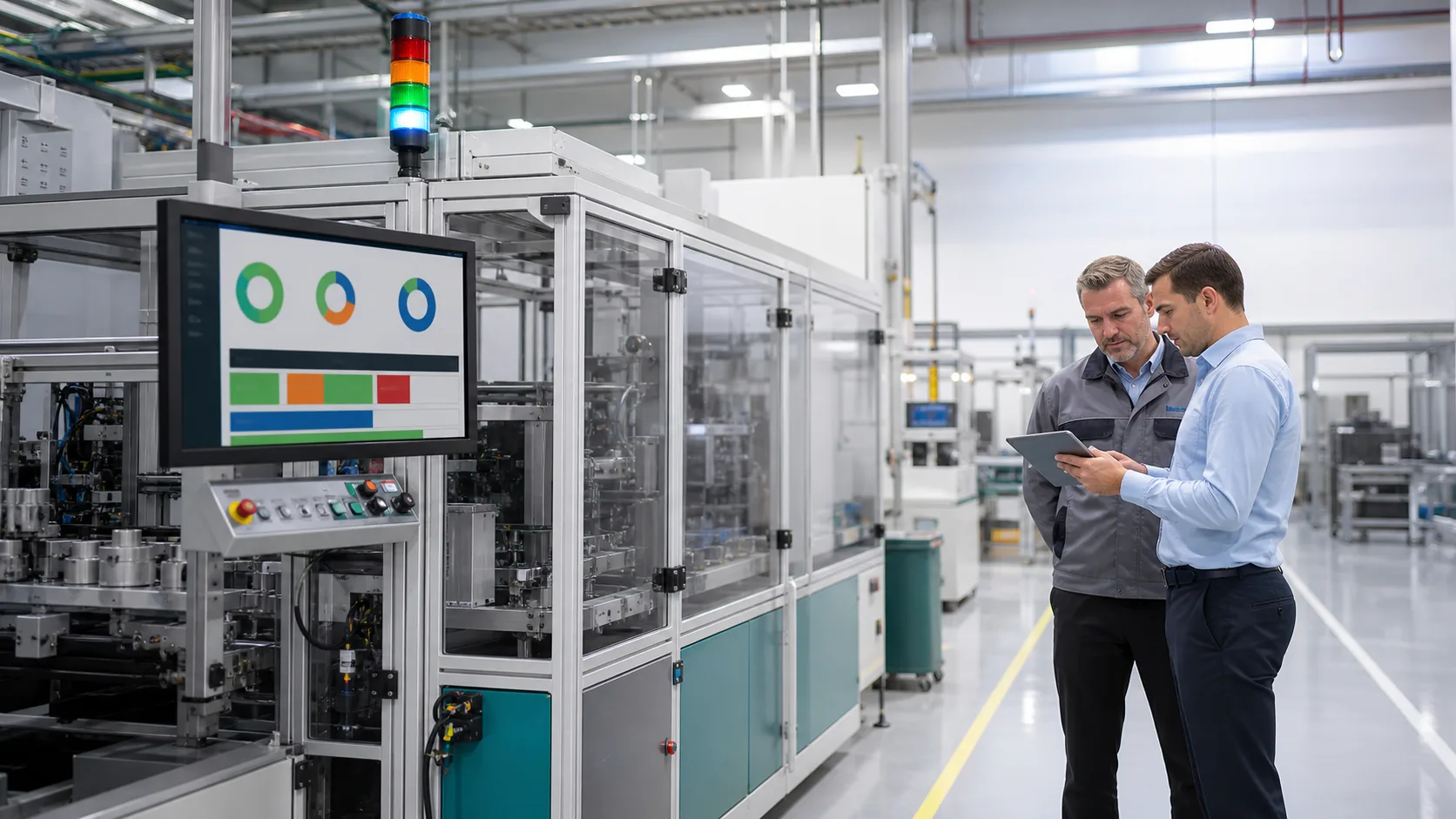
Work instructions at the station Status:Coming later
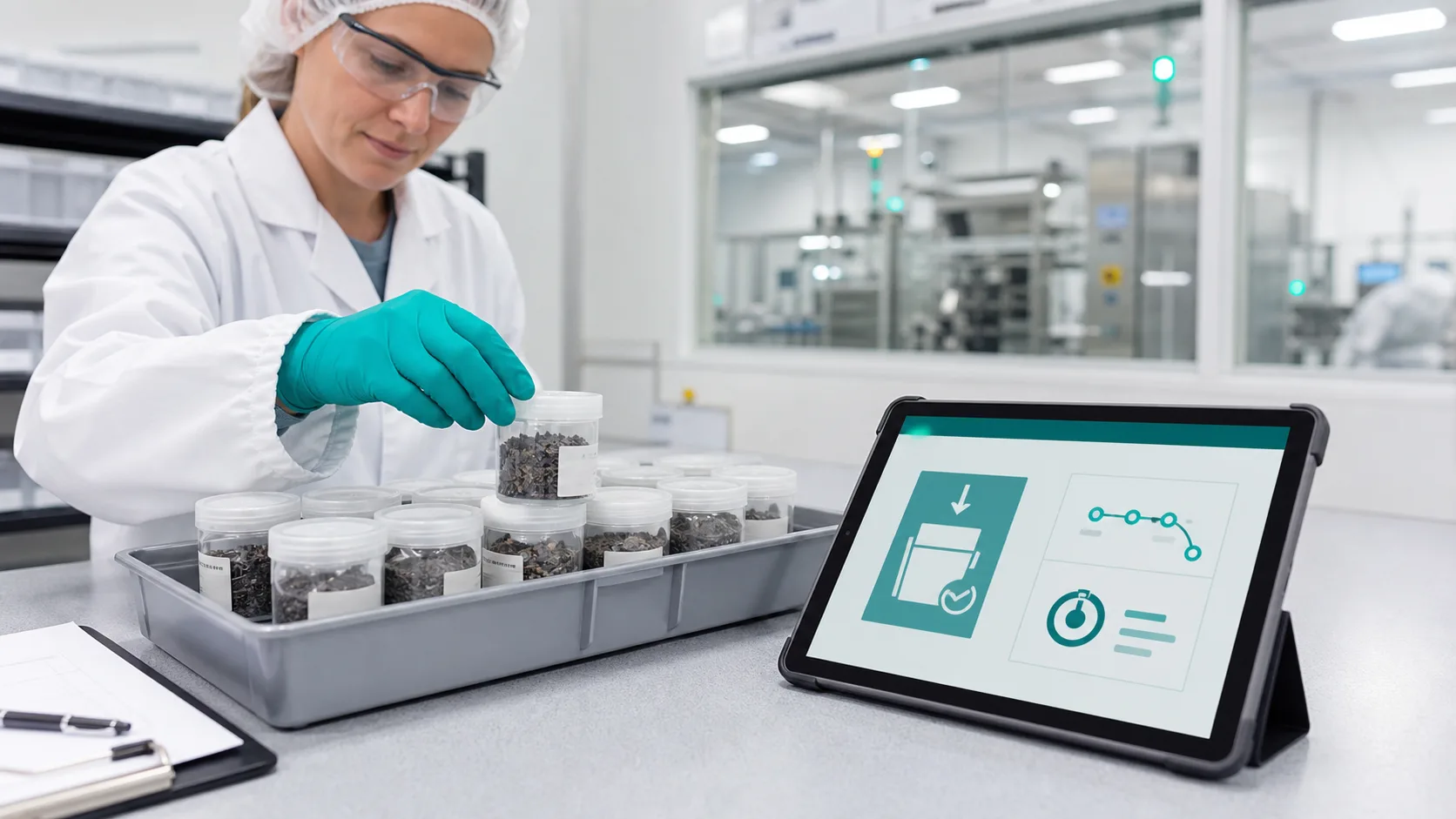
The production order will bring up the steps and checks for that station, so nothing gets skipped; at changeover, a line-clearance checklist confirms the last lot is cleared before the next starts.
- Steps for this station from the production order
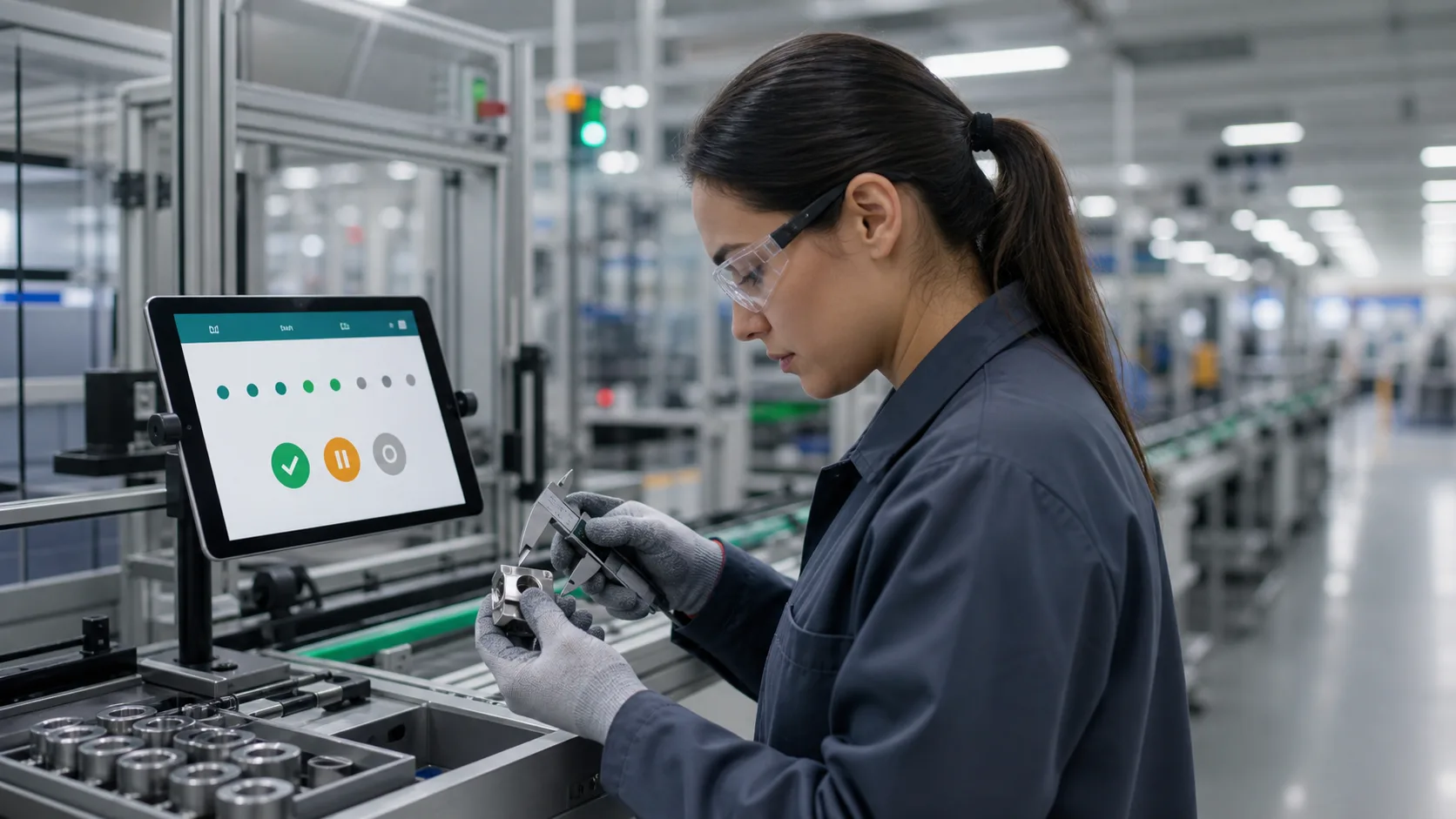
- Check items confirmed one by one
- Line clearance ticked off at changeover

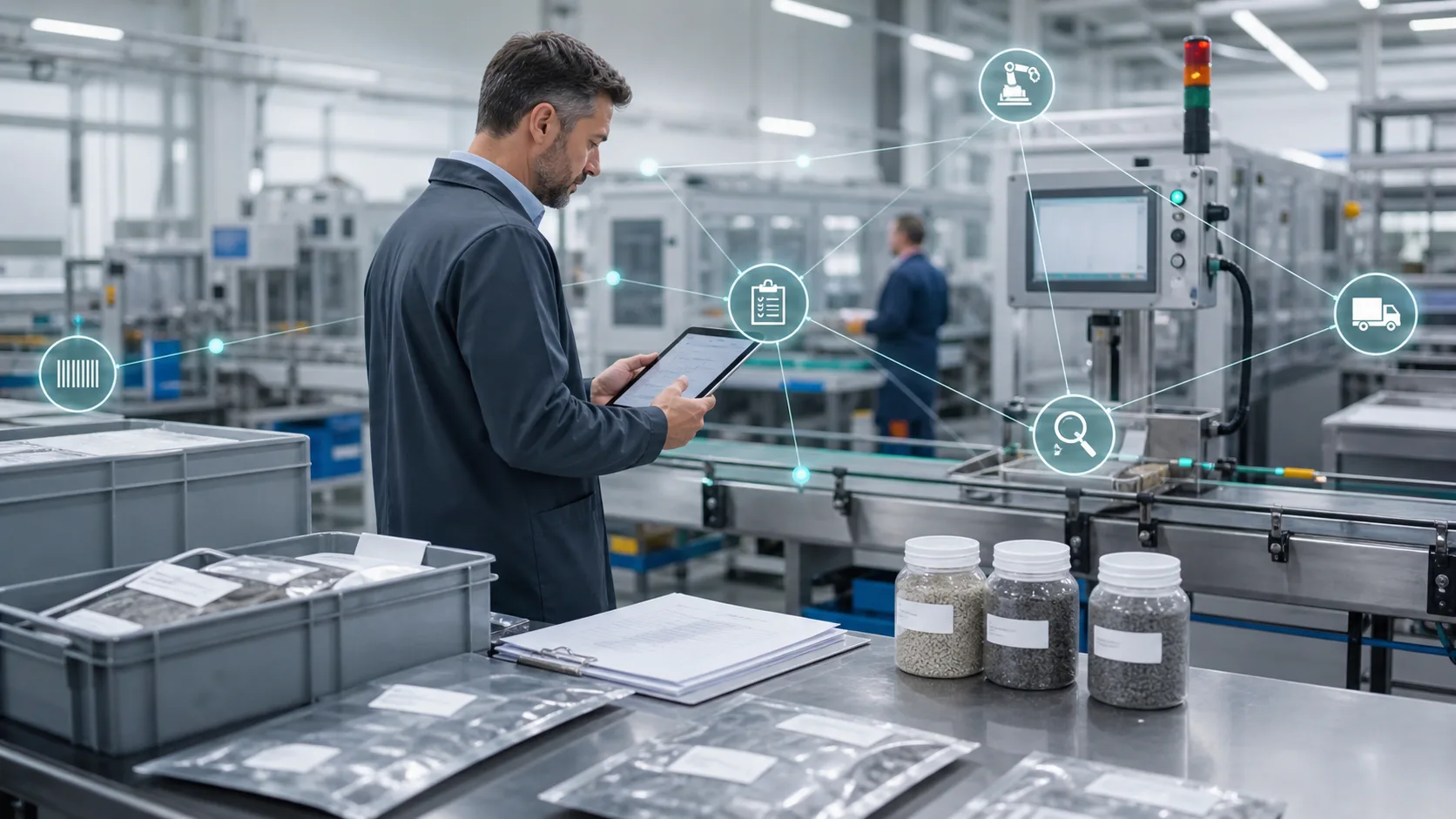
- Which production orders are about to run late?
- Why is this order late, and at which station?
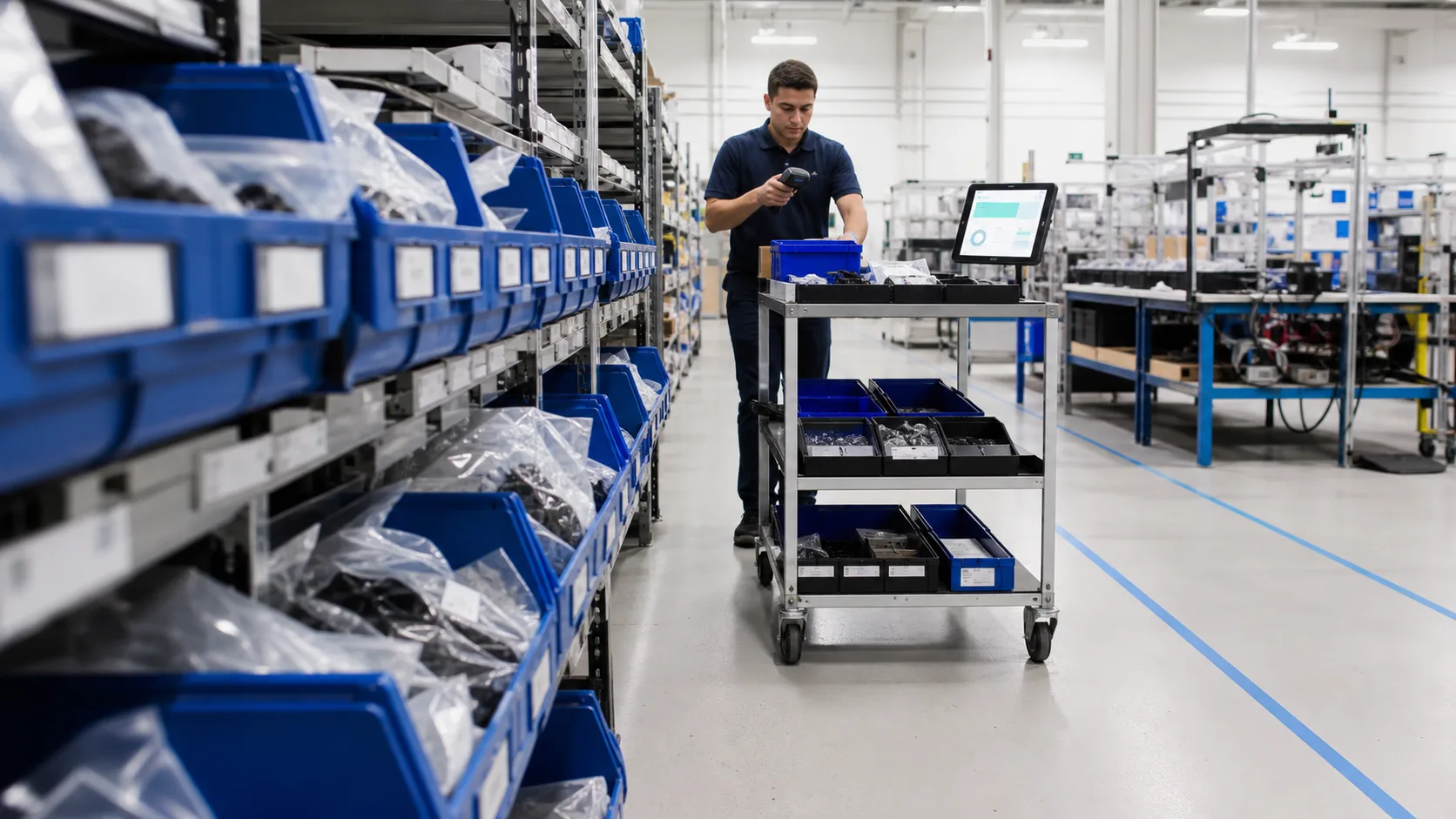
- Which materials may run short?



FAQ
-
Do we have to replace our ERP first?
No. Orders and books can stay in your current ERP while production takes over scheduling, dispatch and shop-floor reporting; connect the data later when you need to.
-
Our operators aren't computer people.
They don't need to be. The floor works on tablets, phones and barcode scanners; main screens and messages come in Traditional Chinese, English, Thai, Vietnamese and Indonesian, so each person sees their own language.
-
Our scheduling rules are different. Can it follow them?
Yes. Forms, flows and permissions are set up to match how you actually work; you don't change your process to fit the system.
-
Is this an MES?
For production, yes, and more. Cardo Maximus does manufacturing operations management (MOM): production covers what an MES does, and quality, inventory, equipment, approvals and documents sit in the same system, for factories of 30 to 300 people with no IT department.
-
Can it connect to our existing ERP?
Yes, any brand. Orders and books stay in the ERP; production orders, shop-floor reporting and stock movements live here, connected through imports, exports and data links. We check your ERP version before rollout. Switch later and orders, purchasing and accounting are in the same system (coming Q1 2027).
Turn your potential into tomorrow's edge.
The first step is small: tell us how you run things today. We map it for free and tell you where to start. No pitch for the whole system.
After go-live: sales looks up status, planning stops answering status calls, the owner opens one screen. Start with production alone; add quality, inventory or approvals later.
Book a free assessment